> For the complete documentation index, see [llms.txt](https://docs.siminsights.com/llms.txt). Markdown versions of documentation pages are available by appending `.md` to page URLs; this page is available as [Markdown](https://docs.siminsights.com/hyperskill-studio-authoring/virtual-entities/import-virtual-object-vo-from-hyperskill-desktop.md).
# Import Virtual Object (VO) from HyperSkill Desktop
Upload a model file from HyperSkill Desktop to add it to your VIRTUAL OBJECTS manager page as a VO. Supported file extensions: .glb, .gltf, .fbx, .stl and .obj.
1. Launch "HyperSkillDesktop.exe".
2. Log in with your credentials.
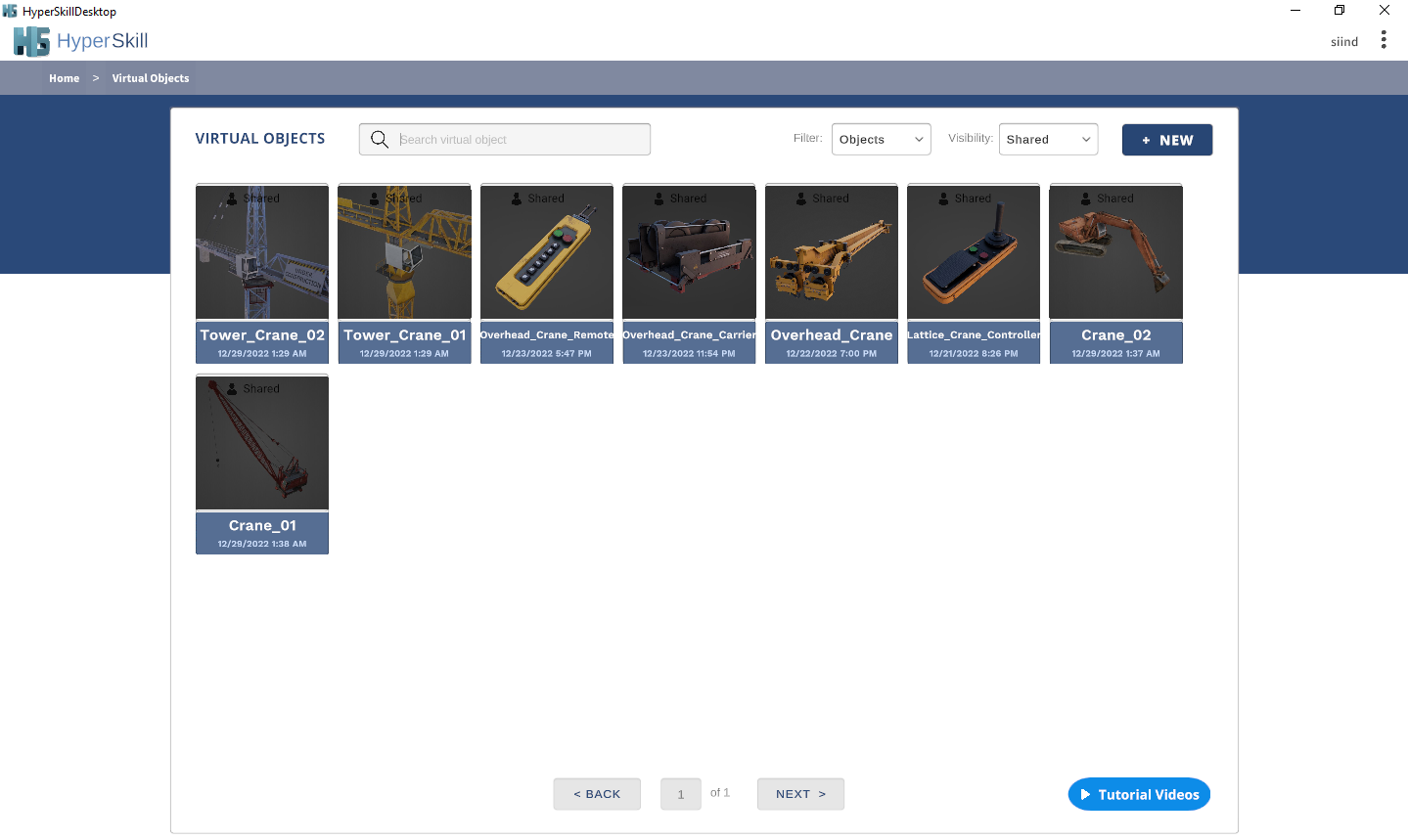
3. Select VIRTUAL OBJECTS.
4. Click the  ( + NEW ) button.
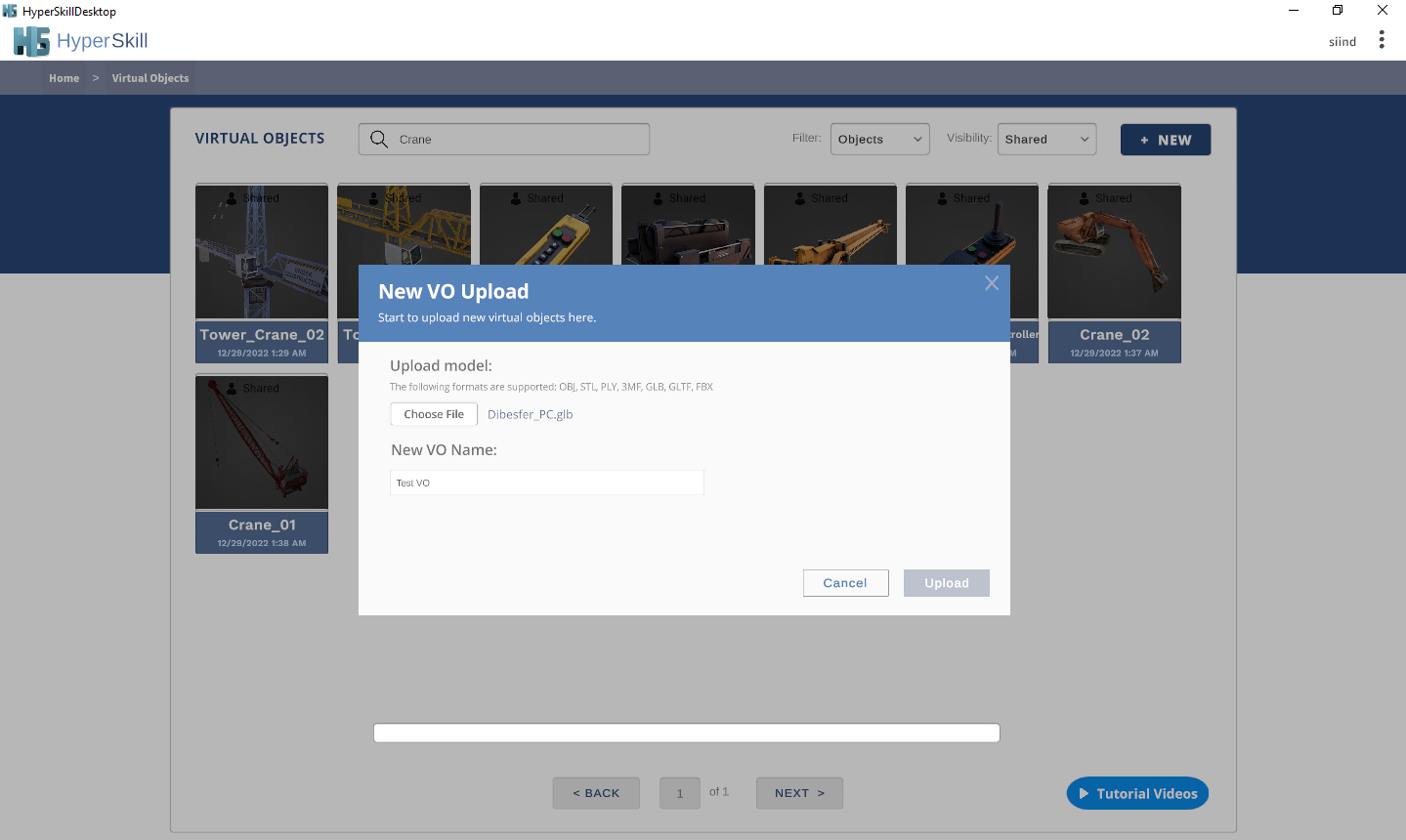
5. Click the  ( Choose file ) button to open your folders.
6. Select your model with the .glb, .gltf, .fbx, .stl or .obj extension.
7. Click the  ( Select ) button.
8. Type in a name for your VO.
9. Click the  ( UPLOAD ) button.
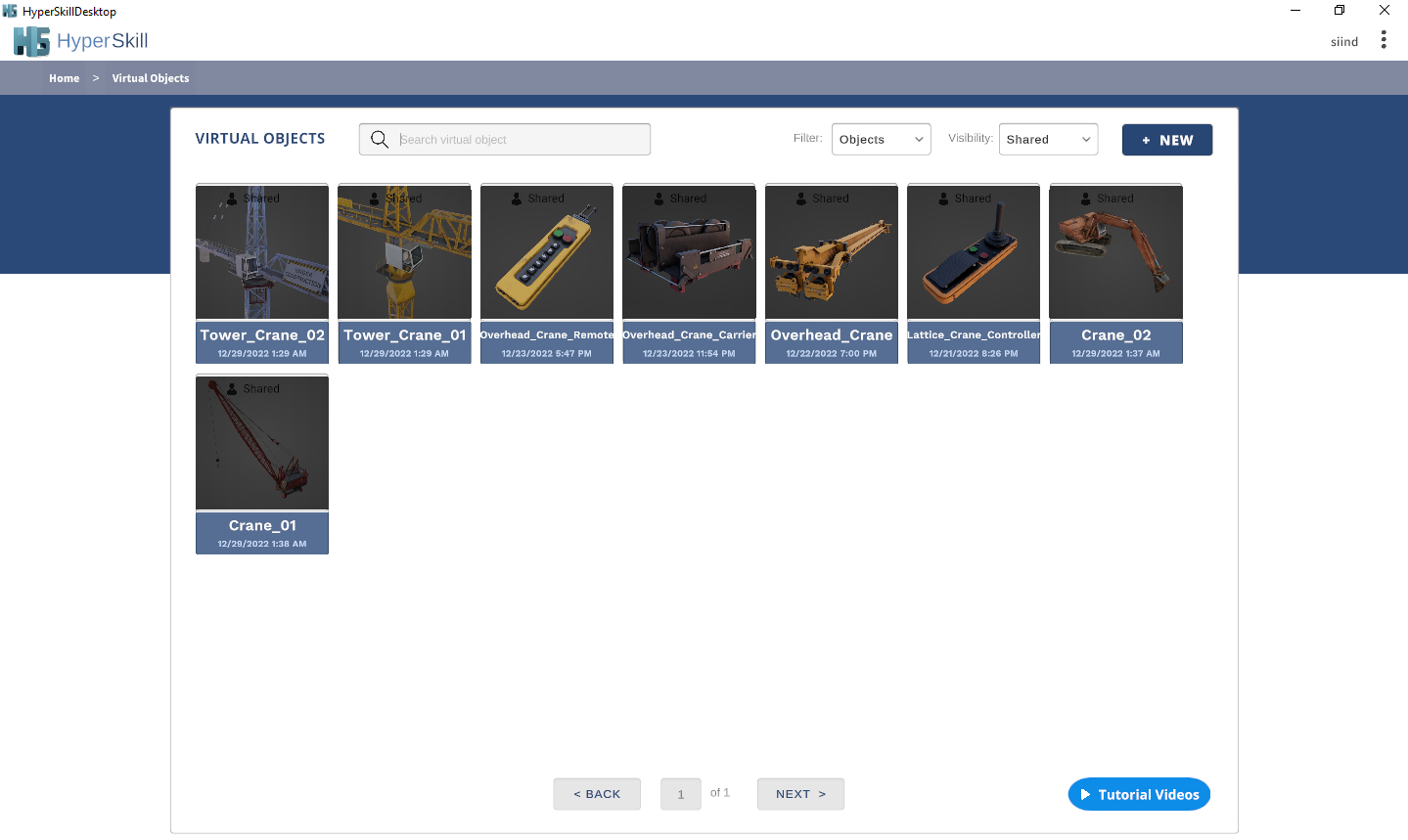
10. Your new VO is added to the VIRTUAL OBJECTS manager page.
To edit the VO after importing, see [Edit Virtual Objects](/hyperskill-studio-authoring/virtual-entities/edit-virtual-objects.md). For Unity-based publishing, see [VX Publisher](/hyperskill-studio-authoring/virtual-entities/vx-publisher.md).